No tablet app
Open one local page. Install nothing on the iPad.
A SECOND SHIFT FOR OLD SCREENS
DeckPad gives your Mac a browser-based control surface for apps, Shortcuts, music, volume, and the small actions you repeat every day.
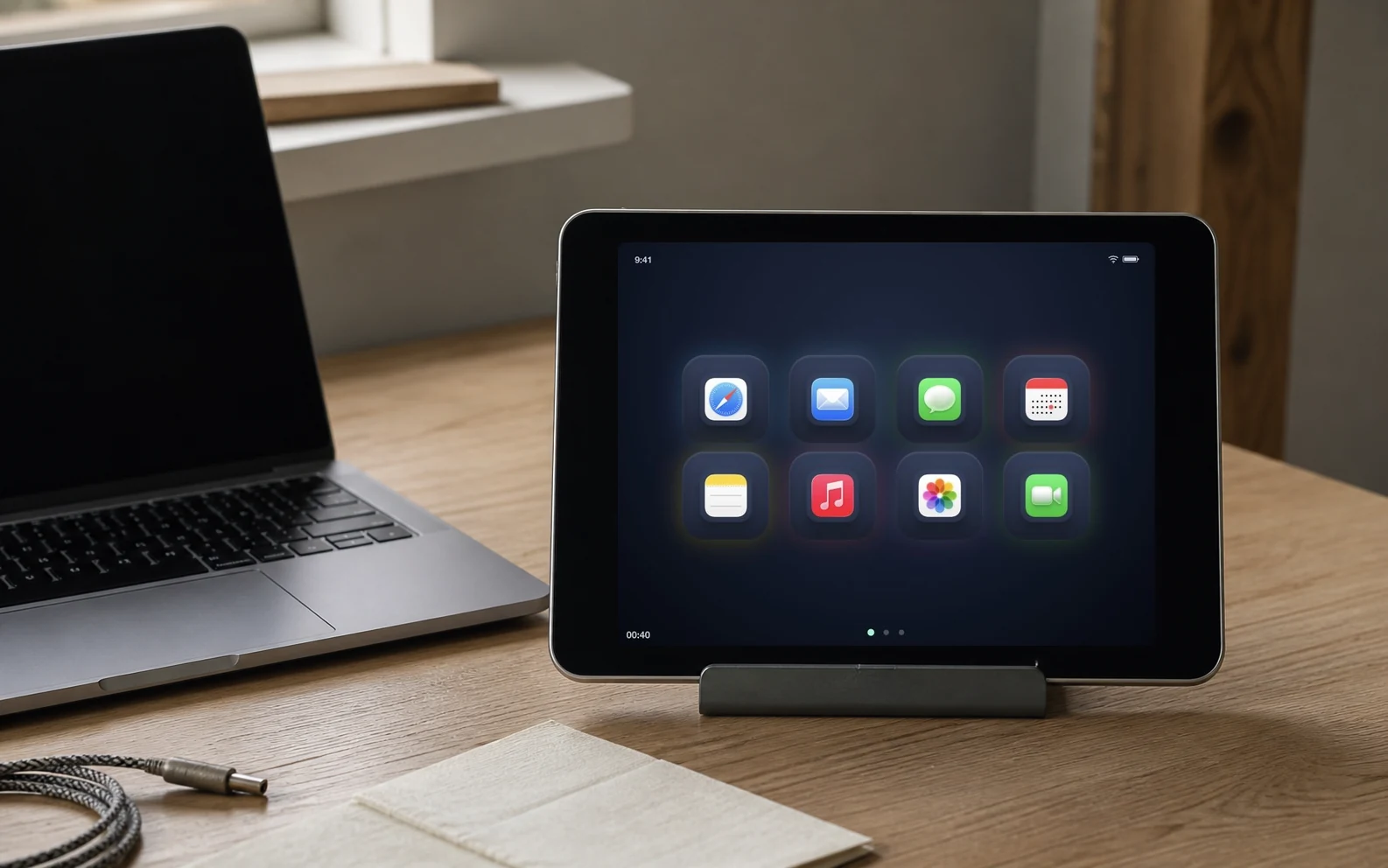
Open one local page. Install nothing on the iPad.
It works with the browser your old screen already has.
No account, cloud relay, or outside control path.
DeckPad has two parts. A small Mac app keeps your actions safe and local. A browser page gives you the buttons wherever you want them.
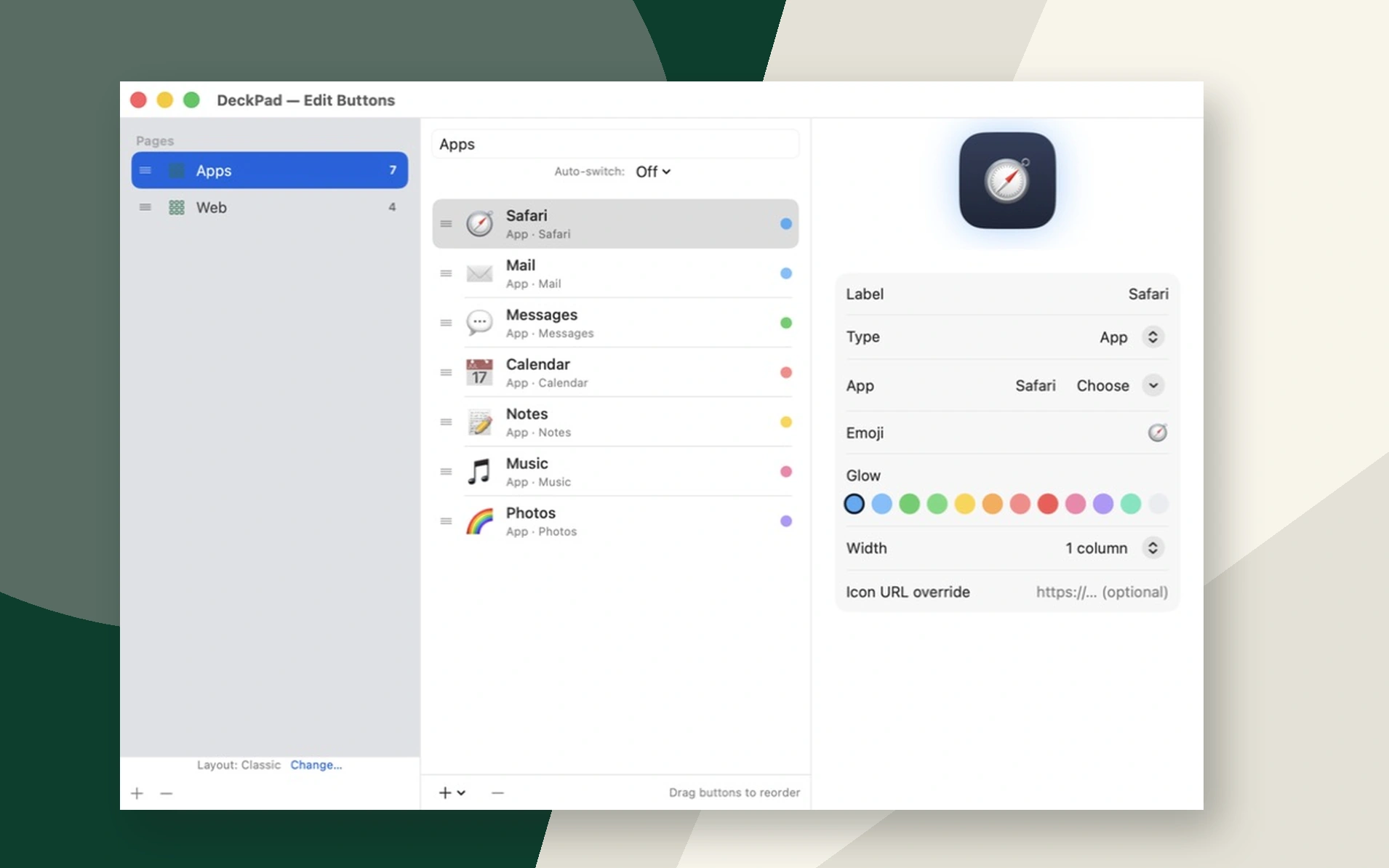
On your Mac
Choose apps, Shortcuts, websites, key combinations, snippets, widgets, and sequences.
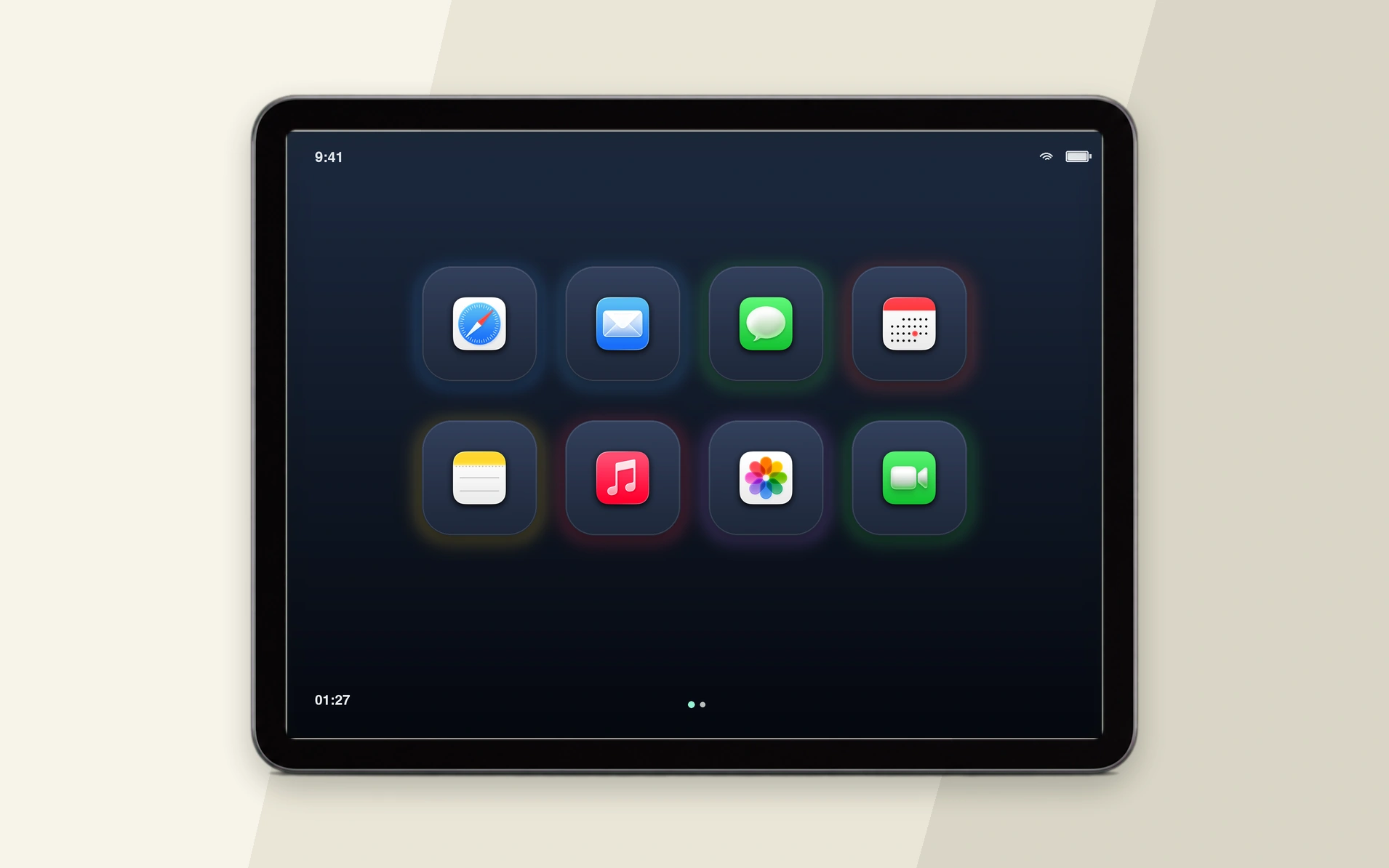
In any browser
Open one local page. The tablet shows the deck exactly as you arranged it.
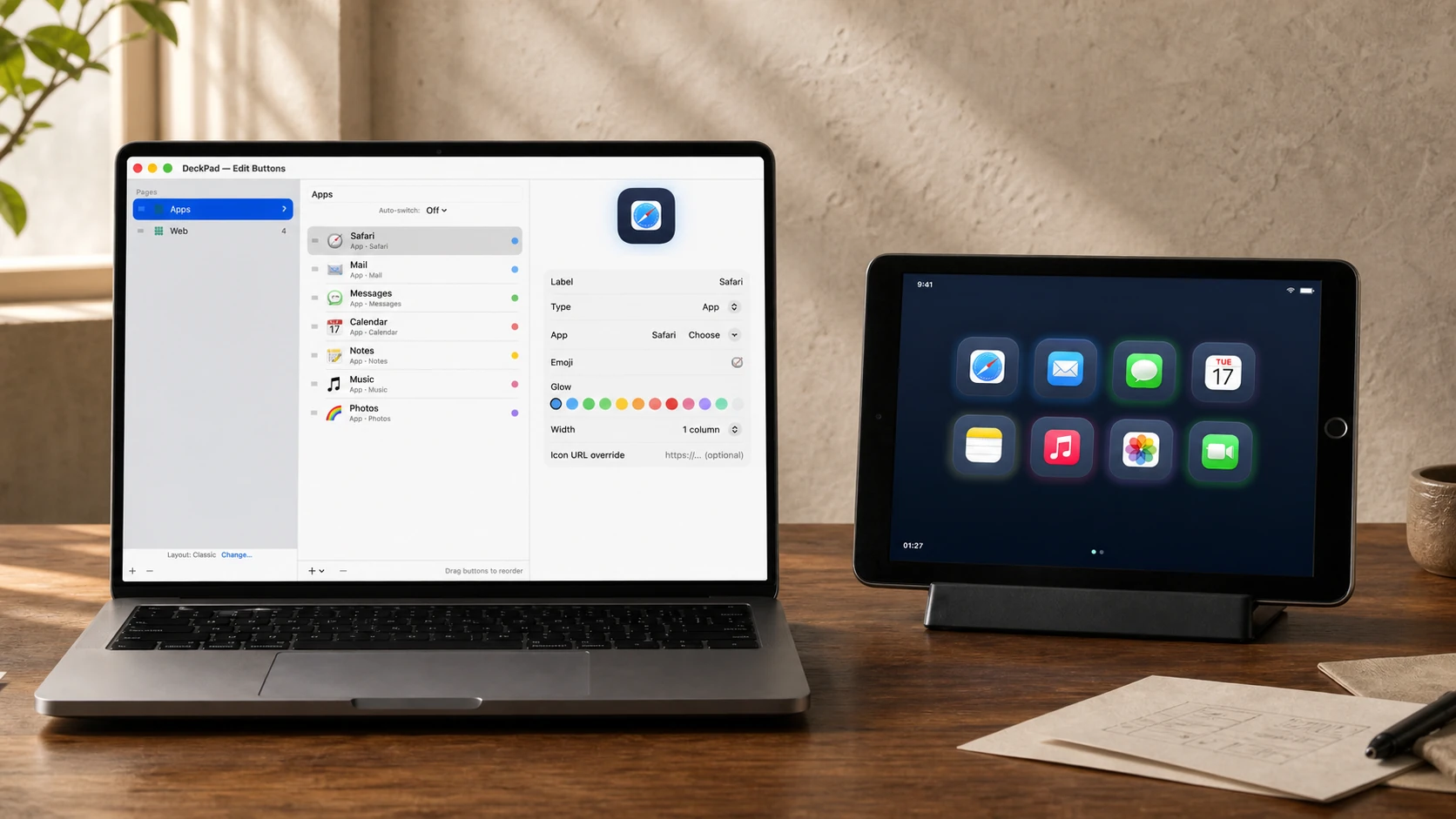
Together on your Wi-Fi
The screen sends a button ID. Your Mac checks the paired device and runs only the action you saved.
ONE PAGE · MANY OLD SCREENS
DeckPad is a browser page, so it is not tied to one tablet model. Swipe through a few of the old iPads, Android tablets, Kindle Fires, and phones that can sit beside your Mac.
Drag, swipe, use the arrow keys, or tap the controls.
You do not need another screen. You need a few things to happen without breaking your flow.
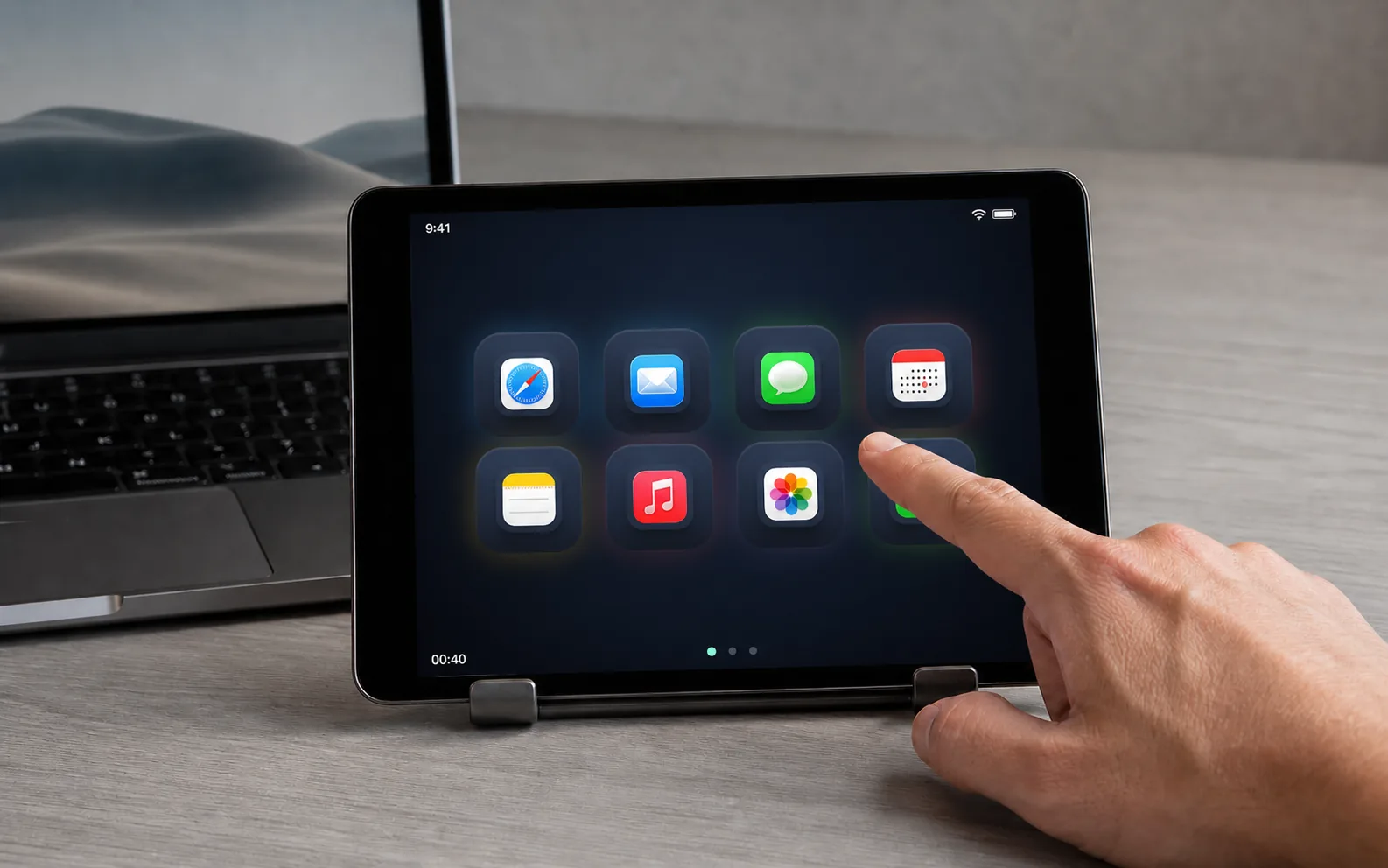
1st-gen iPads
From a first-generation iPad to newer iPads, phones, Android tablets, and spare laptops.
Launchers, media, volume, keystrokes, snippets, widgets, and routines all live where you need them.
Reorder pages and buttons. Choose a layout, skin, icon, and glow. Connected screens update live.
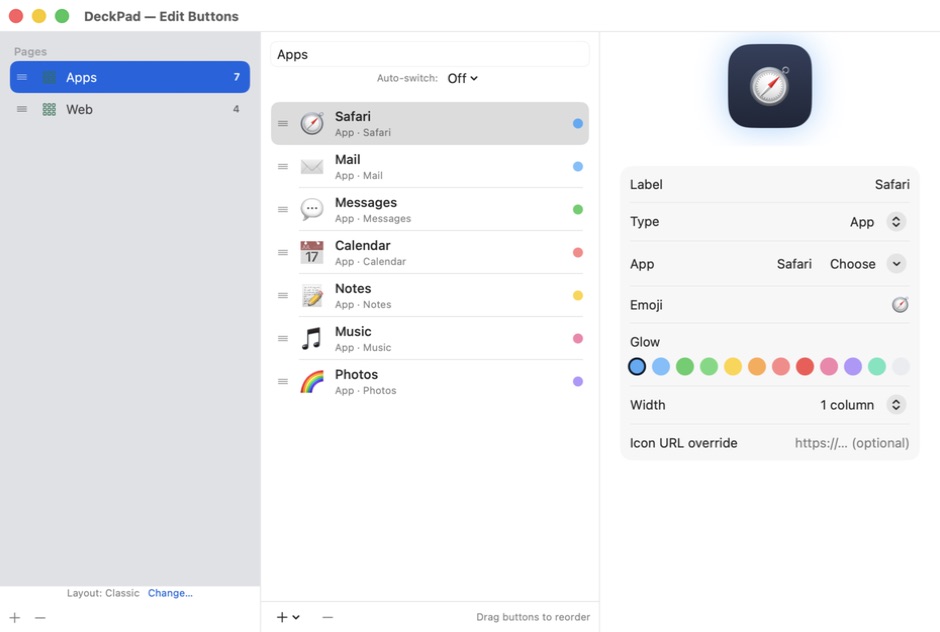
10+
Choose the color, composition, icon, glow, and page order that feel right in the room.
LOCAL BY DESIGN
The screen sends a button ID. Your Mac checks the paired device and runs only the action you saved.
Open an app or website without reaching for the mouse.
Run a Shortcut or a saved sequence with one tap.
Keep play, pause, volume, and system actions close.
Send a key combination or a text snippet from the deck.
Keep the clock, calendar, now playing, or a timer in view.
Let Live App Row and Smart Profiles follow the way you work.
Your old iPad does not need to pretend it is new. It just needs one useful place in the room: a music control, a shortcut board, a clock, or the buttons you use every day.
DeckPad is small enough to stay in reach and flexible enough to change with the room.
Keep play, pause, next track, and volume within reach while the Mac stays busy.
Start a Shortcut, open the right apps, and leave the tablet doing one quiet job.
Put recording controls, websites, snippets, and routines on one reachable page.
Give a household tablet a useful role without another account or tablet app.
The Mac shows you what to do. The tablet only needs a browser.
deckpad.local:8420Your Mac serves one small page directly over Wi-Fi.
It is single-use, expires in five minutes, and allows five attempts.
Safari opens on the MacThe tablet names a button. Your Mac runs the action you saved.
More than ten custom skins and eleven compositions let the same useful screen fit the desk, the room, or the person using it.
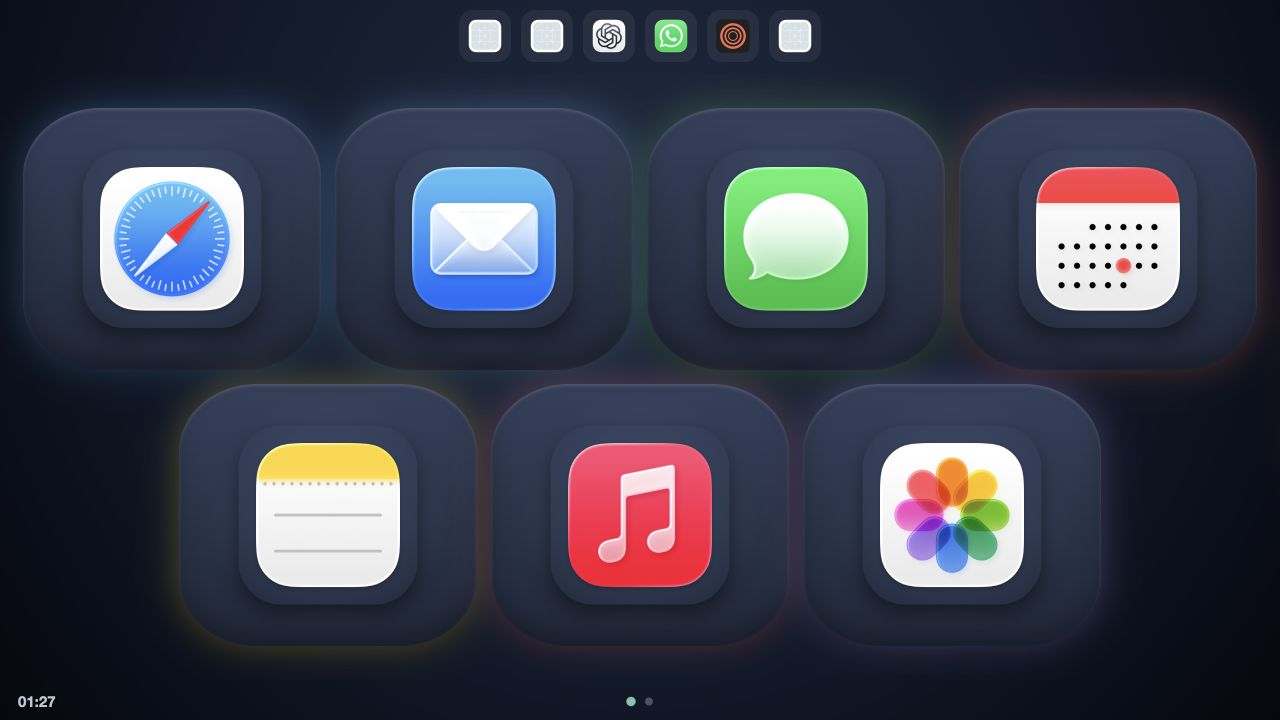
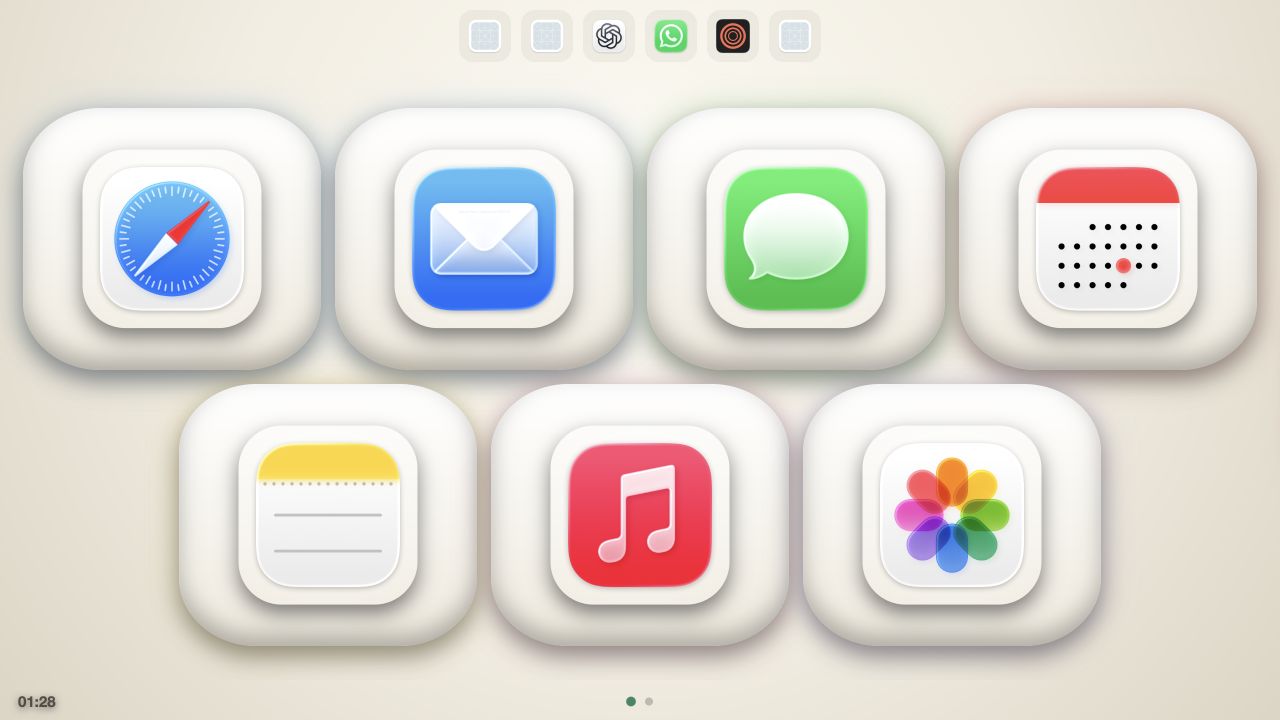
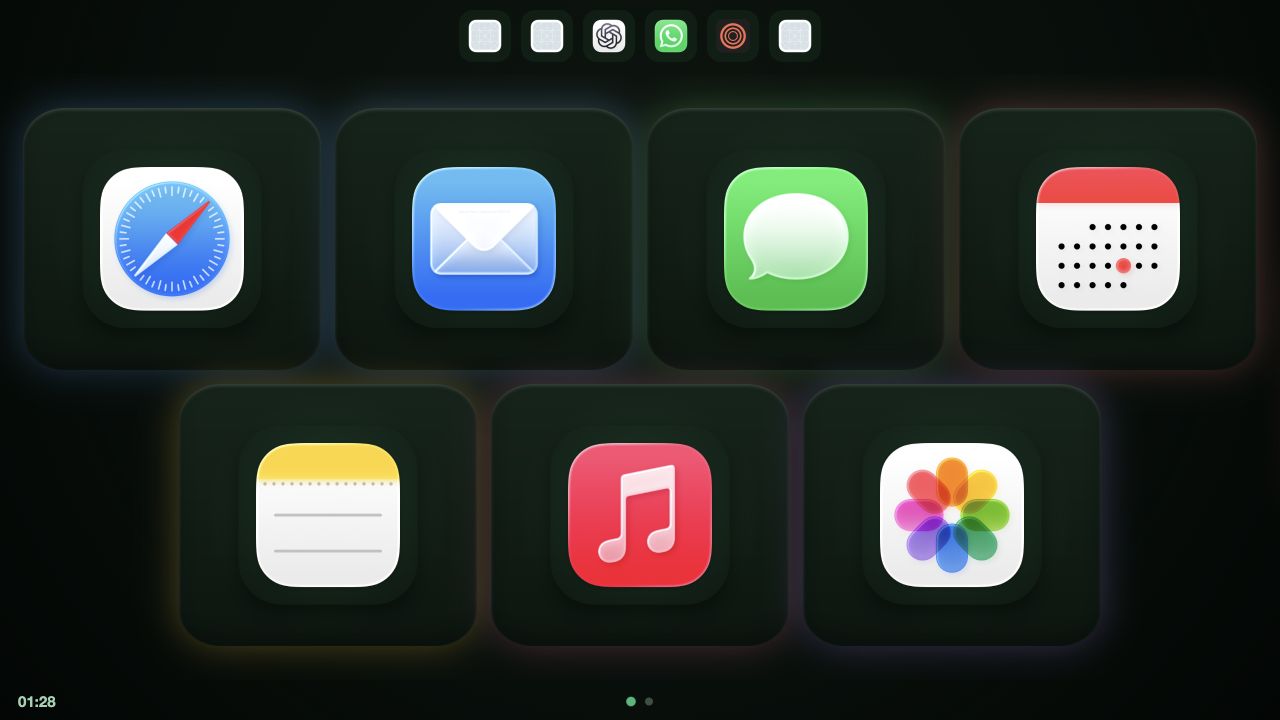
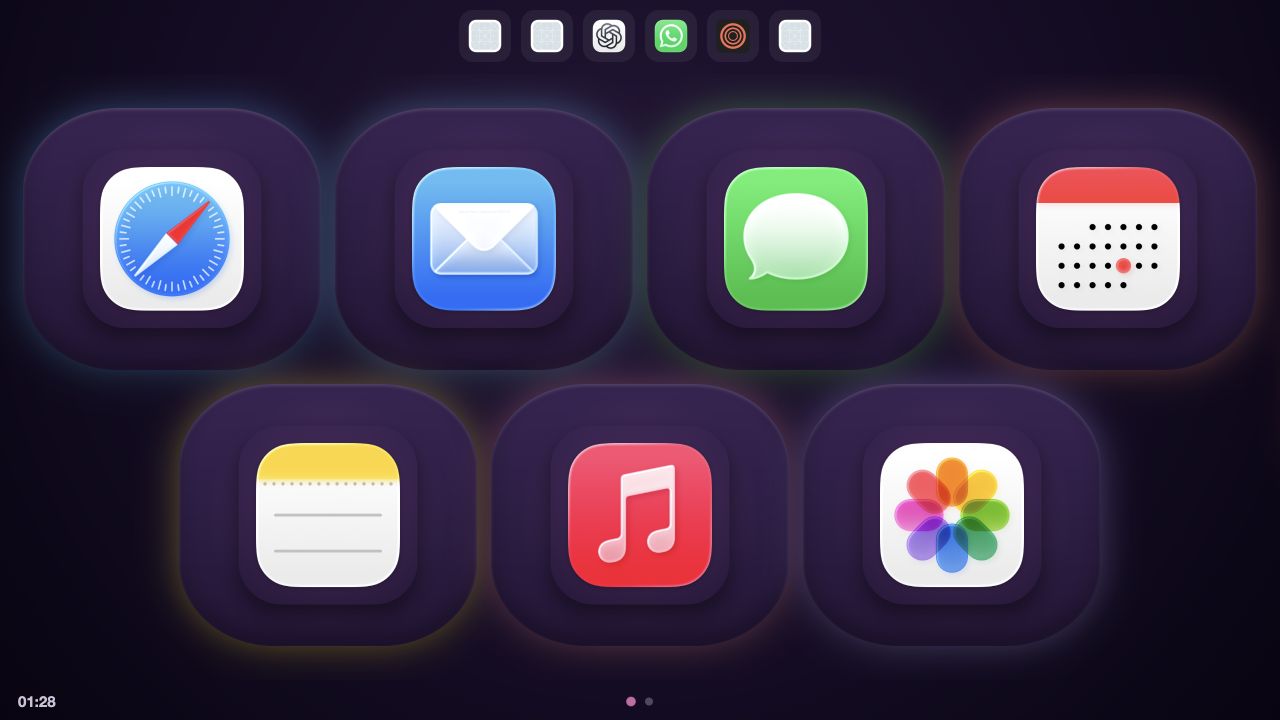
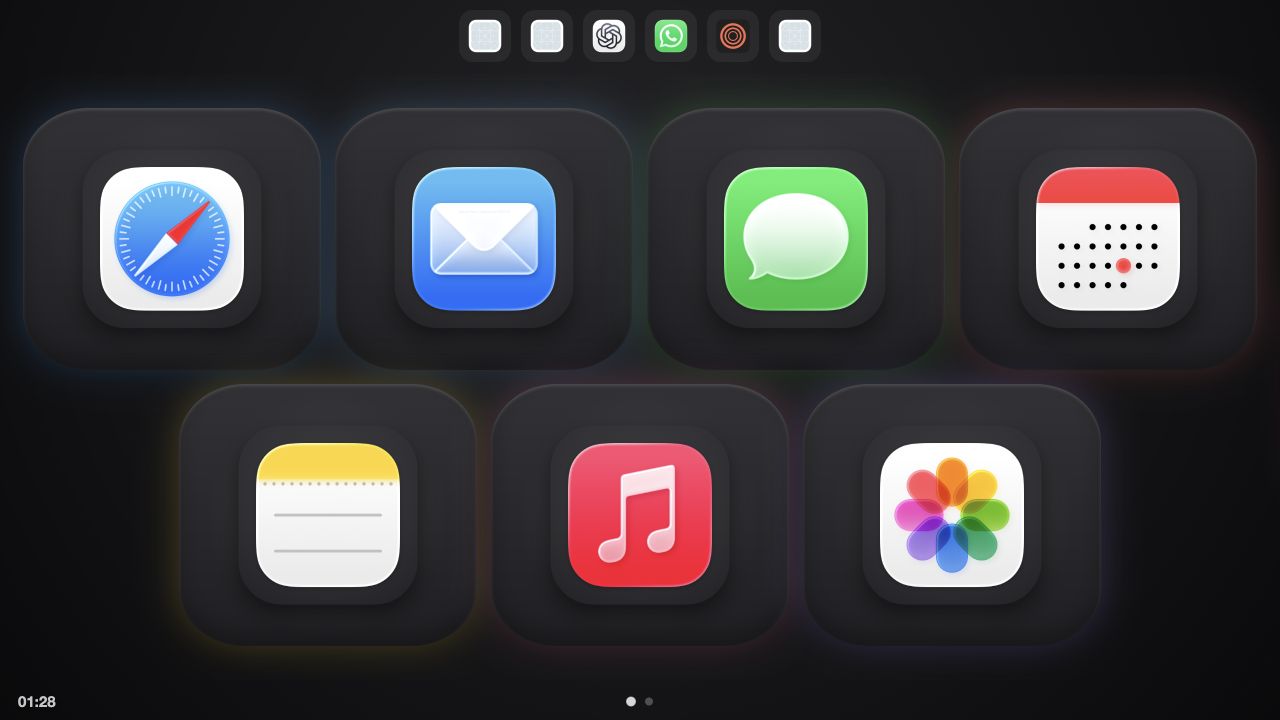
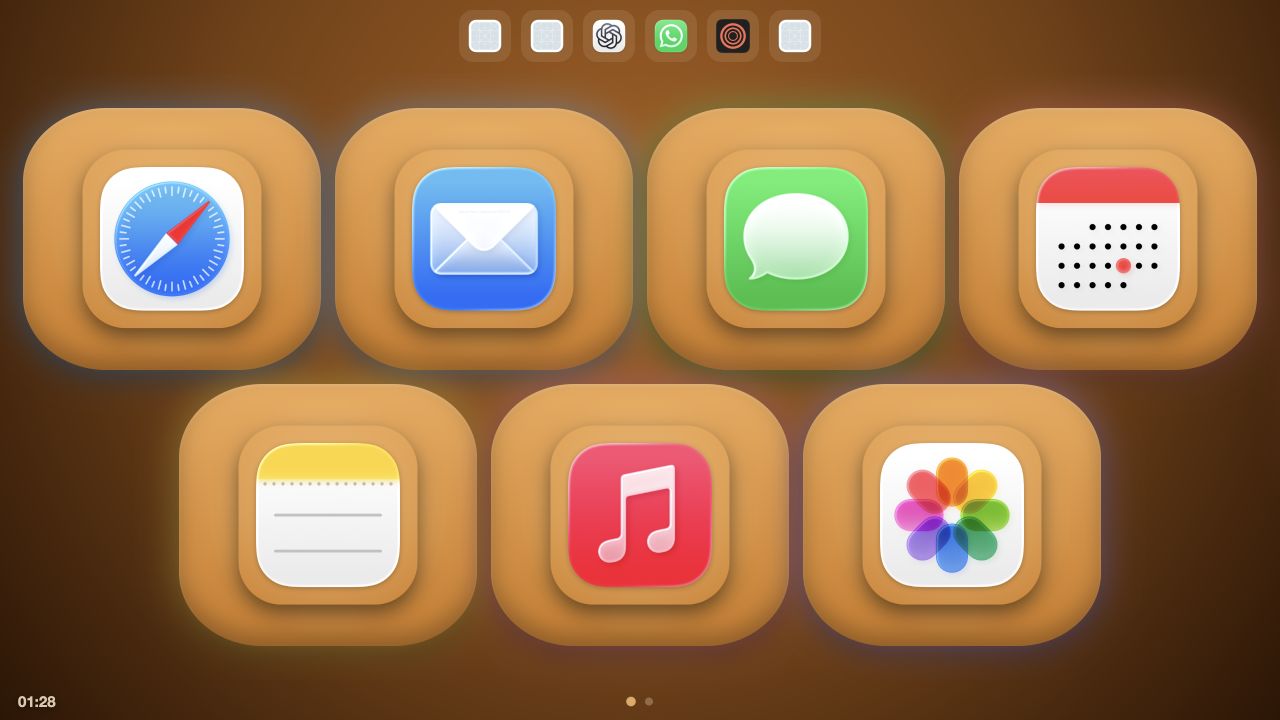
and more skins...
One payment. No subscription.
Bring the screen you already own. Keep the desk clear and the software yours.
DeckPad is deliberately simple, but the details matter. Here is what happens before pairing, during a tap, and when the network is quiet.
DeckPad is a signed Mac menu-bar app and a browser page. The Mac performs the actions. A paired tablet, phone, or spare laptop is the touch surface.
No. Open the local address DeckPad shows, enter the six-digit code, and optionally add the page to the device Home Screen.
No. DeckPad works on your local Wi-Fi. Website icons may fetch once and then cache, but actions do not leave your network.
Anything with a browser. First-generation iPads and newer iPads, phones, Android tablets, Kindle Fire, and spare laptops can all take a turn.
The deck shows OFFLINE while the Mac is unavailable and reconnects when it returns. The Mac must be awake for an action to run.
Only paired devices can use action routes. Requests name button IDs from your local configuration, never commands, and the server rejects foreign hosts.
Very old browsers reject self-signed certificates. Plain HTTP is a deliberate local-network tradeoff. Pair only on a network you trust.
The launch price is $12.90 with code LAUNCHGIFT. One lifetime license covers two Macs, unlimited deck devices, and every update. The standard price is $19.90. There is no subscription and no account.