Turn an old iPad into a music controller
Keep play, pause, next track, and volume within reach without turning your main computer into a remote control.
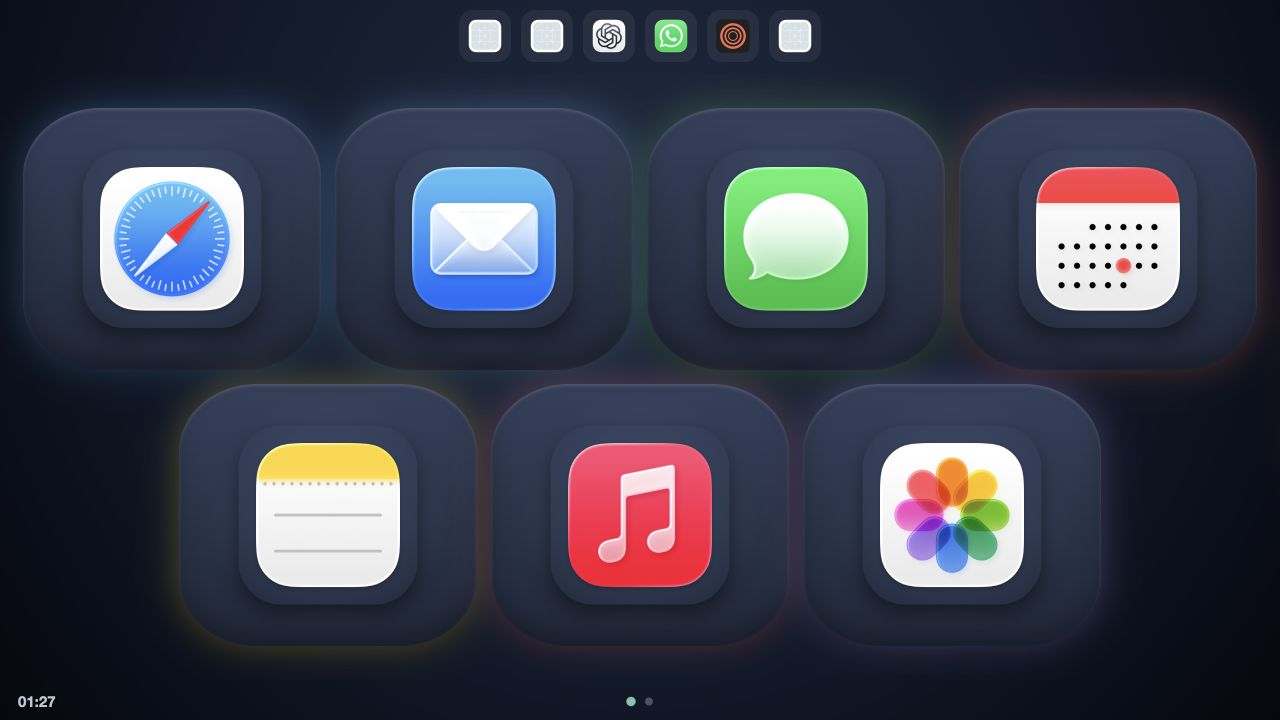
Music control is one of the best jobs for an older tablet because the job is stable. You do not need a new interface every week. You need a few buttons that are easy to hit from across the desk.
The simple version
Put the tablet on a stand near the speakers. Keep play and pause in the first row, volume nearby, and next and previous track on the same page. The screen can stay awake while the Mac does the actual work.
For a browser-based control surface, the tablet does not need to know how the music app works. It only needs to send a button request. The Mac decides whether that request means play, pause, next, previous, or volume.
The useful version
Add a few buttons around the music controls:
- Open the music app.
- Start a focus playlist with an Apple Shortcut.
- Open a lyrics or radio website.
- Mute the Mac before a call.
- Bring the currently playing app to the front.
That turns the tablet from a collection of media keys into a small scene controller for the desk.
Keep the layout calm
A music page should not contain every possible action. Four to eight large tiles are easier to use than a crowded wall of tiny buttons. Put the actions you use while listening on one page and the setup actions on another.
DeckPad supports media keys, volume, websites, Apple Shortcuts, keystrokes, and sequences. The useful part is choosing less than the software allows.