What to do with an old iPad in 2026
A retired iPad can still be a clock, recipe screen, music controller, photo frame, or a useful Mac control surface. Start with the job, not the app store.
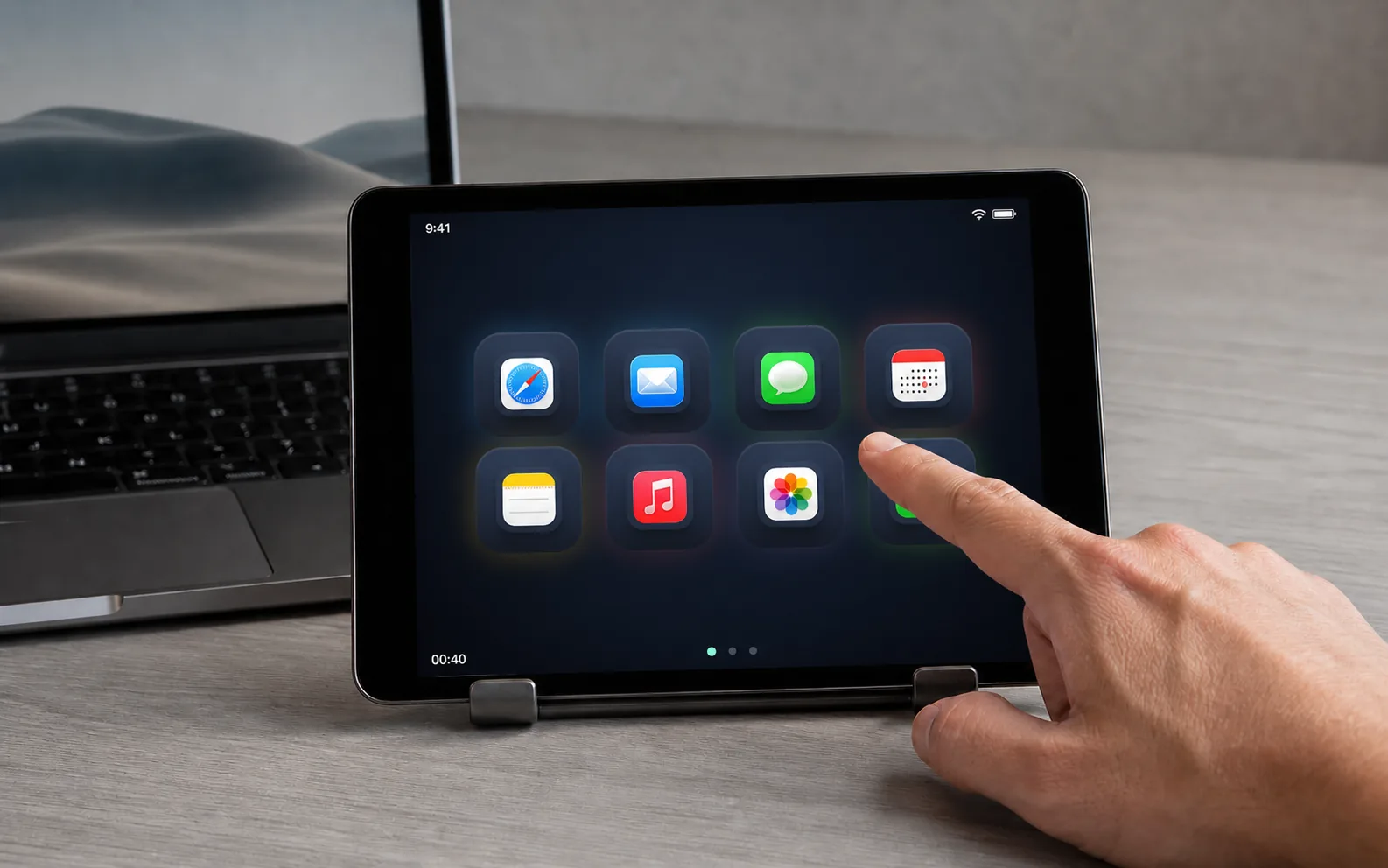
An old iPad is rarely useless. It is usually just too old for the newest version of everything.
That distinction matters. A tablet does not need to run every current app to be useful. It needs one clear job, a place to live, and software that does not ask it to pretend it is a new computer.
Start with where it will live
The best second life for an old iPad is usually close to the thing it helps with.
- On a kitchen shelf, it can show recipes, timers, or a shopping list.
- Beside a speaker, it can become a simple music controller.
- On a desk stand, it can show a clock, calendar, or a set of controls.
- In a hallway, it can be a shared household screen for a calendar or checklist.
- Beside a Mac, it can become a dedicated control surface.
The physical setup does more work than a long list of possible apps. A tablet that stays in one place is easier to use than one that disappears into a drawer.
Use the browser when the App Store has moved on
Older iPads often stop receiving current apps before the hardware stops being useful. The browser can still display simple, focused tools without requiring a new operating system.
That is the idea behind DeckPad. The Mac runs a small local server. The old tablet opens a page in Safari, enters a pairing code, and becomes a set of buttons for the Mac. There is no tablet app to install and no account to create.
Give it one job first
Do not start by filling every page. Pick the action you want to reach without thinking. Maybe that is play and pause. Maybe it is opening the apps for a project. Maybe it is starting a Shortcut that prepares the desk for a meeting.
Once the tablet has one reliable job, the rest becomes obvious. A second page can hold websites. A third can hold volume and media controls. The screen becomes part of the room instead of another device competing for attention.
When it is time to let go
Reuse is not a moral test. If the battery is unsafe, the screen is damaged, or the device cannot stay connected, recycle it responsibly. The point is not to keep every old object forever. It is to notice which ones still have a useful shape.
An old iPad does not need a dramatic revival. It needs a small job it can do well.