What to do with an old phone on your desk
A retired phone can be a focused second screen for music, timers, shortcuts, and the Mac actions you want close by.
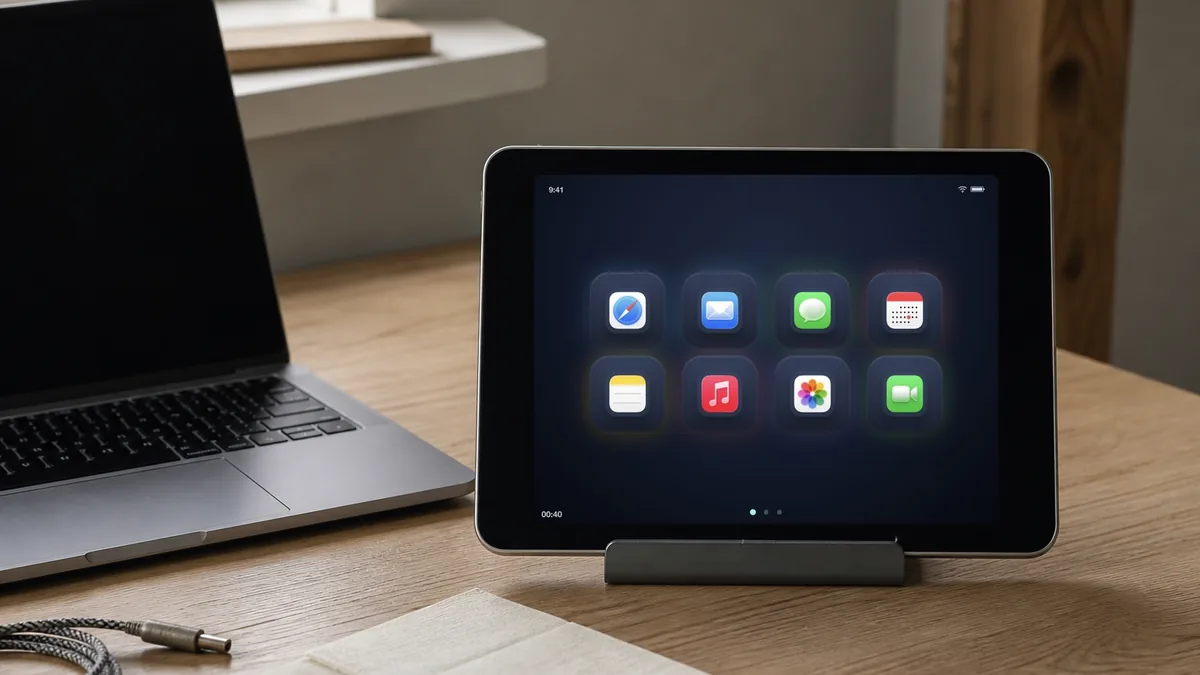
Phones are often easier to reuse than tablets because they already have a stand, a small footprint, and a screen people know how to touch.
The trick is to stop treating the old phone as a failed new phone. Give it a small, visible role.
Good jobs for a spare phone
- A volume and playback panel beside a speaker.
- A timer and Shortcut launcher for a kitchen or workshop.
- A small set of Mac controls beside a monitor.
- A dedicated page for meeting actions and text snippets.
- A shared “start here” screen for a family computer.
The smaller display is not a problem when the page contains only the actions that matter in that location.
Why a browser page helps
An old phone may not support the latest version of a native control app. A local browser page avoids that app-store dependency. With DeckPad, the Mac serves the page over Wi-Fi, pairing uses a one-time code, and the Mac performs the configured action.
The phone remains a screen. It does not need access to your Mac’s commands, files, or account. It names a button, and the Mac decides what that button is allowed to do.
Make it easy to leave there
Use a cheap stand, keep the charging cable in place, and give the first page a stable layout. If the phone has to be unpacked every time, it will return to the drawer.